Why Does My Electric Guitar Sound Acoustic? Find Out How to Fix It
Have you ever experienced the frustration of plugging in your electric guitar, only to hear a faint, acoustic-like sound instead of the powerful distortion you expected? It can be baffling and leave you feeling confused about why your electric guitar isn’t sounding its best. Fortunately, you’re not alone, and there are several common reasons this might happen. Let’s explore those potential issues and get your guitar back to producing that electrifying sound you love.
Understanding the Acoustic Sound of an Electric Guitar
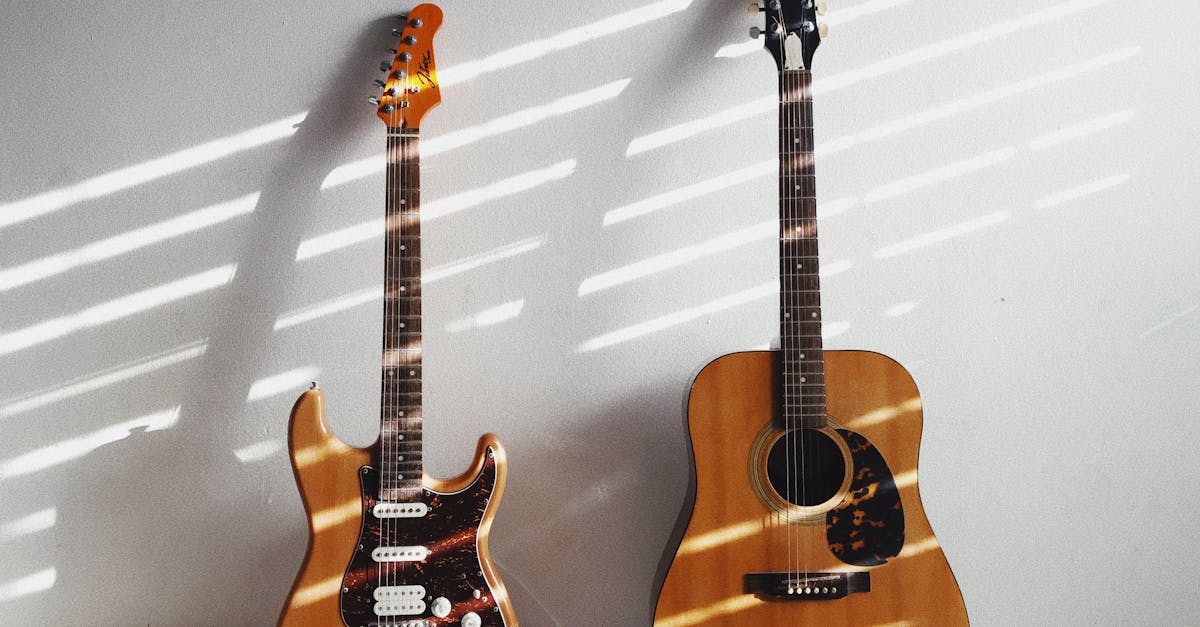
An electric guitar can sometimes resemble an acoustic guitar for a few reasons. Firstly, if the guitar is not connected to an amplifier, it will naturally sound acoustic. Additionally, if the amp settings are incorrectly adjusted, or if there are malfunctions within your gear, you may end up hearing a weak, unpowered sound. Sometimes, connecting your electric guitar to a pedal designed to emulate acoustic tones can yield similar results.
Understanding the differences between electric and acoustic guitars is essential. Unlike acoustic guitars, electric guitars rely on amplification and effects to produce their signature sound. If you’ve invested in quality gear and are seeking a specific tone, your electric guitar should not produce acoustic sounds unless that is your intent.
This post contains affiliate links. If you make a purchase through my links, I may receive a small commission at no additional cost to you. I only recommend products I truly believe in.
Common Issues That Cause Electric Guitars to Sound Acoustic
Before diving into solutions, let’s look at some common issues that could be causing your electric guitar to sound more like an acoustic.
Checking the Cable
A good guitar cable is essential for effective sound transmission. If you’re new to guitar and purchased a starter bundle, you might have received a low-quality, off-brand cable. Cables can break, twist, or suffer damage, leading to poor sound quality. To ensure that your cable is functioning correctly, perform a thorough inspection of its entire length. Look for frays or twists, and make sure that it wraps effortlessly. If your cable seems worn out or damaged, investing in a new one from a reputable music store could resolve your issue.
Inspecting the Guitar’s Input Jack
Even with a high-quality cable, you may encounter trouble if the guitar’s input jack is malfunctioning. Issues like a loose or improperly aligned input jack can prevent the guitar from transmitting sound effectively. A personal anecdote comes to mind from my first guitar experience—a borrowed model had an input jack that was slightly off, which caused a frustratingly thin sound.
If you suspect your input jack is loose, make sure to tighten the screws holding it in place. If the jack has shifted into the body of the guitar, you may need to manually pull it back out to the correct position. These troubleshooting steps can also be applied to the amp if similar issues arise there.
Adjusting Your Amp’s Settings
The settings on your amplifier are crucial for shaping your guitar’s tone. A common mistake for beginners is to leave all the knobs at their lowest settings, thinking this will protect the amp. Instead, this may significantly diminish the potential sound quality. Understanding what each knob does can transform your sound.
You’ll want to pay special attention to the gain or distortion knob, as cranking this up will have a substantial impact on your tone. Additionally, familiarize yourself with knobs labeled “boost,” “presence,” or “pre-amp” if available. Don’t forget about the “master” volume knob, which controls the main volume of the amp. Setting it too low can result in minimal sound output.
Tuning the Guitar’s Tone Knobs
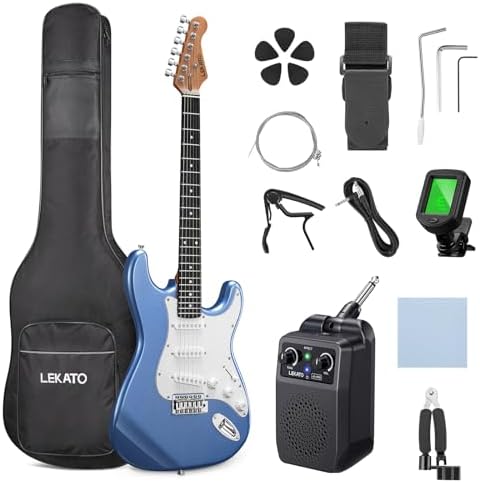
Just like your amplifier, your electric guitar has tone and volume knobs. If these knobs are set to zero, you’ll inevitably hear an acoustic-like tone since the instrument is effectively muted. To achieve a more electric sound, slide these knobs up and experiment with their positions.
Each knob plays a unique role in shaping the sound, and although you might not get your desired tone right away, adjusting these settings can help move your guitar sound further away from an acoustic tone.
Verifying Your Signal Chain
If you are using effects pedals, the order in which they are connected plays a significant role in your overall sound. Make sure you use quality cables and connect them correctly. When plugging into a pedal, follow the “In” and “Out” markings to ensure that you’re routing the signal properly.
If multiple pedals are in use, arrange them in a logical order; typically, the chain should start with a compressor, followed by boost pedals, overdrive, fuzz, delay, reverb, modulation, and finally, wah pedals. Incorrectly ordered pedals could negatively affect your tone or even cut off the signal entirely.
Final Thoughts on Electric Guitars That Sound Acoustic
If your electric guitar is sounding more like an acoustic instrument, the good news is that this issue is usually straightforward to resolve. Often, a poor-quality or malfunctioning cable is the culprit. If you’ve methodically worked through the potential problems listed above and are still experiencing issues, it might be time for deeper troubleshooting.
Consider testing your guitar with a different amp or using another guitar with your existing amplifier. This practice will help narrow down which component could be malfunctioning.
Once you’ve identified and resolved the problem, and your guitar is back to producing that electric sound, you may still want to explore ways to achieve specific tones that excite you. Whether you’re aiming for a rock anthem or a metal masterpiece, there are plenty of additional tweaks you can make.
If you want to experiment with creating acoustic tones using your electric guitar, we have resources available that can guide you through that process as well.
Remember, the journey of finding your perfect sound is as rewarding as the result. Happy playing!