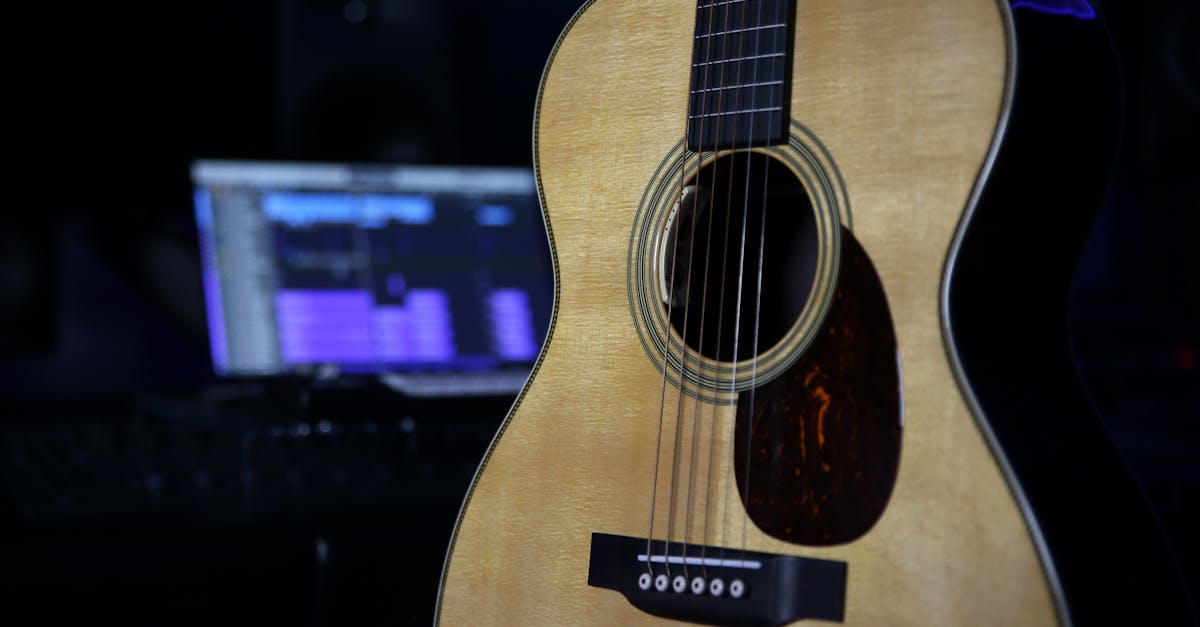
At some point, every guitarist dreams of capturing their music in a recording. Unfortunately, the high costs of studio time deter many from pursuing this passion. Setting up a home studio isn’t much easier on the wallet, especially for those who are not professional musicians. Fortunately, advancements in technology have made it possible for anyone to record guitar tracks with minimal investment, all you need is a computer. While simply plugging your guitar into your computer may not yield the highest-quality recordings, there are straightforward steps you can take to enhance your sound without the steep costs associated with traditional recording environments. Let’s explore what you’ll need to get started.
How to Record Guitar on a PC
Recording your guitar at home can be accomplished using various methods, with each offering different levels of quality and complexity. The most accessible route is to utilize your computer’s built-in audio interface. Let’s dive into the specifics of how to achieve the best results without breaking the bank.
Using Your PC’s Integrated Audio Interface
Most laptops lack a dedicated microphone input, but many desktop computers come equipped with an audio interface on the motherboard that includes a dedicated port for this purpose, typically identified by a red or pink 1/8-inch stereo jack. Since standard guitar cables are 1/4-inch, you will need a 1/4-inch to 1/8-inch adapter, which can easily be found at music stores or online.
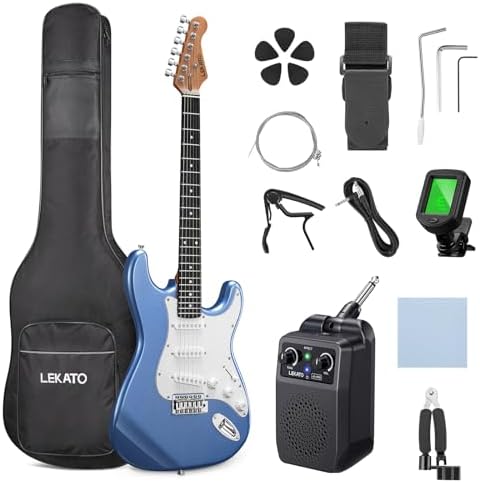
To record your guitar, you’ll require software capable of capturing audio. Basic sound recorders that often come with your operating system can suffice for single-track recording. You can add effects using pedals; however, the overall sound may lack clarity, resulting in a muddled output. To improve quality, consider using a direct injection (DI) box or a multi-effects processor before connecting to your computer.
Alternatively, if your guitar amp has a headphone output or an emulated output, you can connect it directly to your computer, offering another recording method. For a more enhanced experience, you might look into Digital Audio Workstations (DAWs). While these powerful tools allow for multi-track recordings in real-time, they do require a computer with sufficient processing capabilities to manage low latency and high sound quality.
Recording Your Guitar Using An External Audio Interface
For serious recording, an external audio interface is the preferred option. These devices serve as advanced sound cards, providing improved performance compared to your computer’s built-in audio interface. The primary function of every audio interface is to convert your guitar’s analog signal into digital data for recording, and then reverse the process for playback through your speakers.
Investing in a quality audio interface can significantly enhance your recording experience. Many modern interfaces support high resolutions (up to 192 kHz sample rates and 32-bit depth), which capture the intricate details of your guitar’s sound. They typically include simple instrument inputs, allowing you to plug directly into your DAW of choice and record multi-track projects while listening to the full mix without noticeable latency.
In contrast, attempting to record with your integrated audio interface can result in frustrating latency issues, poor sound quality, and potential software crashes. Therefore, a dedicated external audio interface is essential if you’re keen on creating professional-grade guitar recordings at home.
Using Microphones for Acoustic Guitars
Microphones are another effective tool for recording acoustic guitars. Using either an integrated or an external audio interface, a high-quality studio microphone can help capture the nuance of your guitar. For best results, opt for an external audio interface with a dedicated XLR input for your microphone.
If you have access to professional-grade microphones, like the Shure SM7B or AKG C414, you can achieve outstanding results in recording the tonal qualities of your acoustic guitar. You will also need microphone stands and some soundproofing materials to minimize external noise.
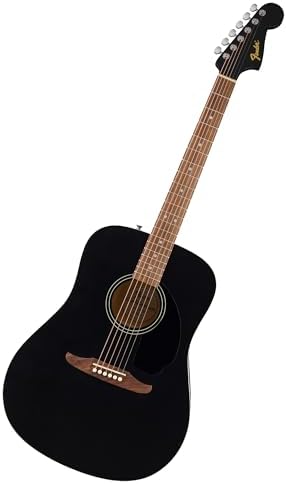
Position your microphone close to the sound hole of your guitar for optimal results. If you choose to use two microphones, one can be placed near the guitar’s 12th fret to capture a more balanced tone, which provides you with more options to mix and shape your acoustic sound in post-production. If your acoustic guitar comes equipped with a piezo pickup, recording directly into an audio interface can simplify the process. However, blending both mic and pickup sounds can yield a richer overall tone.
Using Microphones for Electric Guitar Amps
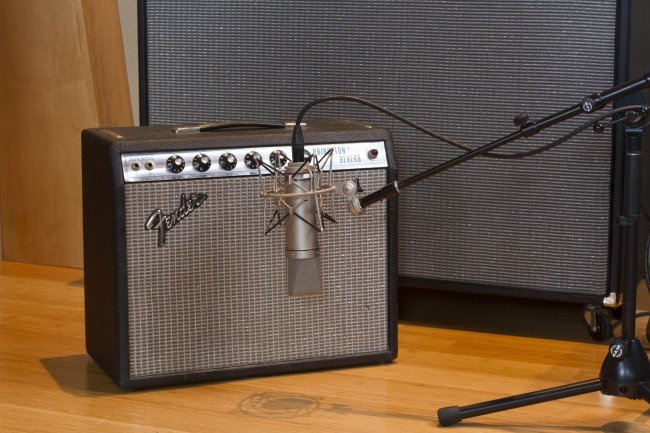
Recording electric guitar amps with microphones is a time-honored technique still widely practiced. Just like with acoustic guitars, you can use microphones with either an integrated sound card or an external audio interface, though the latter option is strongly recommended for best results.
For electric amp recording, position a microphone close to the center of the speaker, aimed directly at it. This method produces a sharp sound with pronounced higher frequencies. As you move away from the center, the tone will shift toward a warmer, bass-heavy sound. Ideally, use an isolated room to mitigate sound reflections.
Using multiple microphones connected to separate channels on your audio interface will allow for diverse tonal shaping. This remains a common method employed by professional studios to record electric guitar amplifiers. A combination of a dynamic microphone and a condenser microphone can yield even better results, though the setup may require some experimentation and fine-tuning to get right.
USB Microphones
If the previous methods seem too complex or cumbersome for your casual recording needs, a USB microphone could be the perfect choice. This all-in-one solution simplifies the recording process as it functions both as a microphone and an audio interface. Many USB microphones support a plug-and-play feature, which streamlines the setup process, eliminating lengthy driver installations.
While using a DAW is preferable over simple sound recorders, USB mics can still facilitate real-time multi-track recording, albeit without the superior sound quality provided by dedicated interfaces. These microphones are also often geared toward podcasting, so they tend to focus on single tracks. If you’re looking for a straightforward way to record guitar, a USB microphone can serve as an affordable and user-friendly alternative to a full audio interface setup.
Guitar Amps with Integrated Audio Interfaces
In our ever-evolving music technology landscape, guitar amplifiers with built-in audio interfaces have surged in popularity. Both affordable practice amplifiers and high-end tube models are integrating these functionalities, offering guitarists a more seamless recording experience.
These hybrid amplifiers frequently come equipped with proprietary software for your computer, allowing you to create custom presets and easily integrate with any DAW you choose. This innovation provides a practical and budget-friendly method for home recording. Furthermore, the technology continues to improve, making these integrated amps more affordable and capable than ever before.
Final Thoughts on Recording Guitar on a PC
In a world driven by technological advancement, musicians now have the unique opportunity to record, mix, and produce their original music right from the comfort of their homes. For guitarists, this means the ability to jam and lay down tracks without the time and expense of traditional studios. While recording on your computer is simple, achieving high-quality sound does require some basic equipment and knowledge.
By employing the appropriate recording techniques and gear, it’s entirely possible to create professional-sounding tracks from your home setup. So gather your equipment and let your creativity flow, because producing high-quality guitar recordings has never been more accessible. Whether you choose a basic integrated setup or invest in professional audio interfaces, you can record your music and take your sound to the next level.